
Synergita offers three different packages with different features. The basic plan is free and known as OKR Starter, while the mid variant and advanced variant are OKR Lite and OKR Growth, which have more advanced features with an annual subscription.
In addition to the features available in OKR starter, there are additional features in the Growth plan that include:
- Unlimited objectives
- Unlimited users
- Single Sign-on (SSO)
- Approval / Review
- HRMS Integration
- Microsoft Teams and Slack Integration
- Objective Cloning
- Hierarchy Tree
The detailed features and the difference between the three plans can be seen here.
After subscribing to the OKR Starter plan, you can upgrade to the OKR Growth plan anytime. Upgrading the plan is very simple and does not require any expert guidelines.
On the top right-hand side corner of the OKR page, you can locate the Upgrade button. Click on the Upgrade button.

- After clicking the Upgrade button, it will redirect you to the Account Details page.
- You can also access the Account Details page by clicking on OKR Admin on the left navigation pane and clicking on the Account Details page.
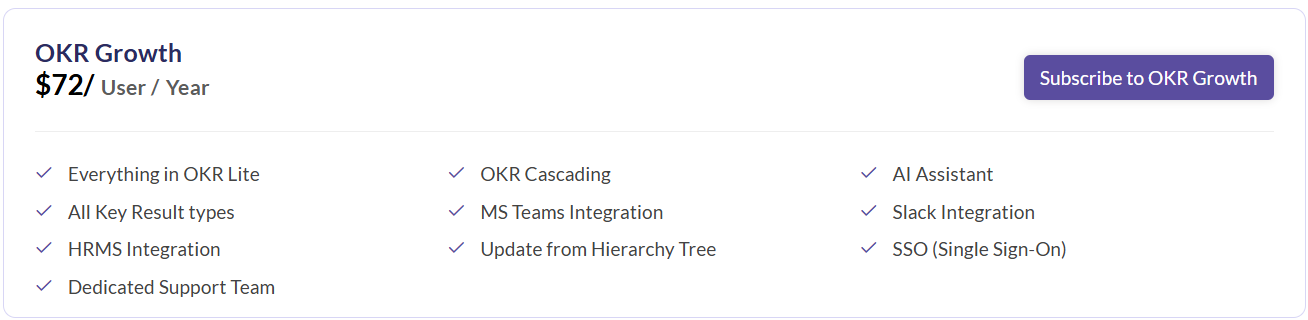
- On this page, you can compare the features and click on the Subscribe to OKR Growth button.
- This opens a pop-up where you will be asked to confirm the number of employees for your subscription. Please note that the minimum number of employees that can be billed is 10.
- Once you have confirmed the number of employees, the next step is to proceed with the check-out process.
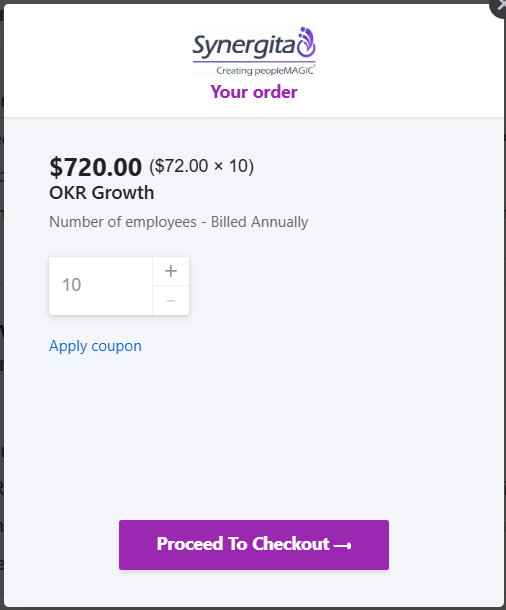
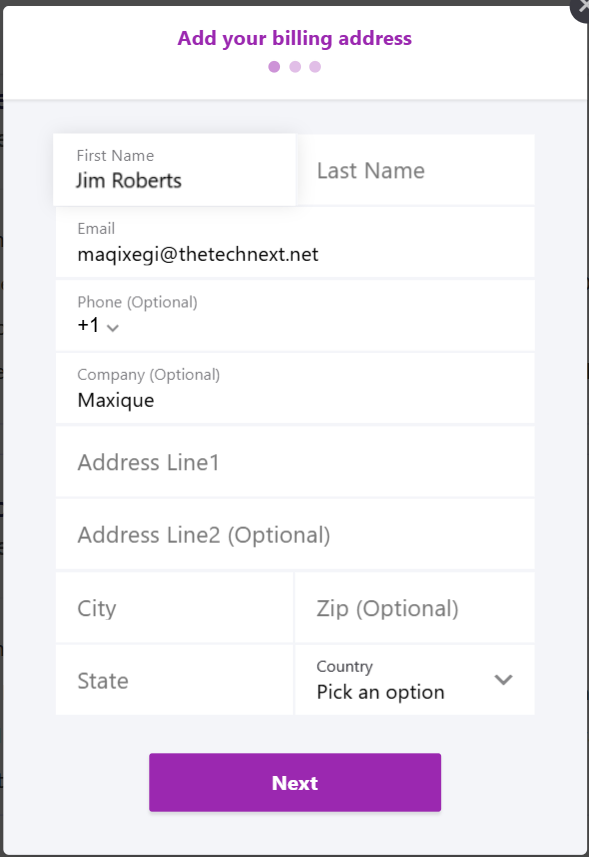
After filling in the number of employees, click on Proceed to Checkout. The checkout page is divided into three sections. The first section asks for Name, Email, Address, and contact details.
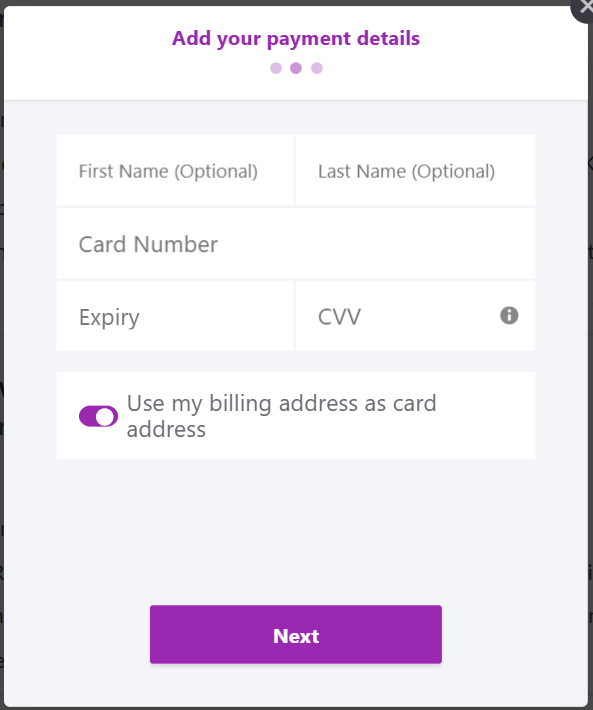
The next section asks for payment details, card details, and the cardholder's name. By default, the billing address is considered to be the card address. However, this can be changed by switching the given toggle, which gives the option to add a different card address.
Once this is filled, it moves to the final page for confirmation and is ready for submission. After submitting the form, the plan gets upgraded to OKR Growth. You can now access all the features of the Synergita OKR application.
Note: The subscription to the OKR Growth plan is annual and auto-renews at the end of each billing cycle. To cancel or modify your subscription, please contact the support team before the renewal period.
Further Reading: Upgrade to OKR Lite Plan