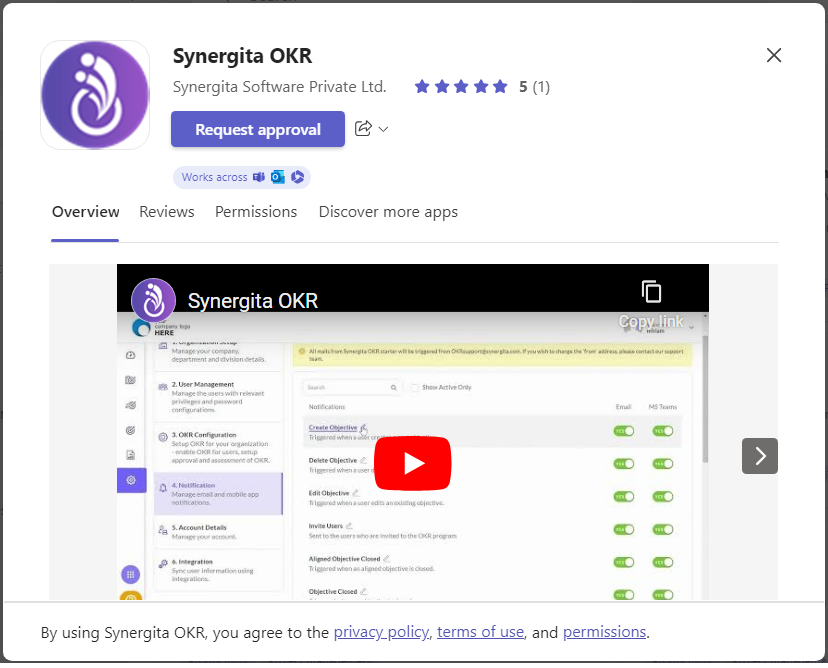
Integrating Microsoft Teams with Synergita OKR helps users maintain their OKRs directly from Teams without the need to log in to our product regularly. Here's how to set up the Microsoft Teams integration.
- Synergita OKR must be installed in Microsoft Teams.
- To install:
- Open MS Teams.
- Access the Apps Library.
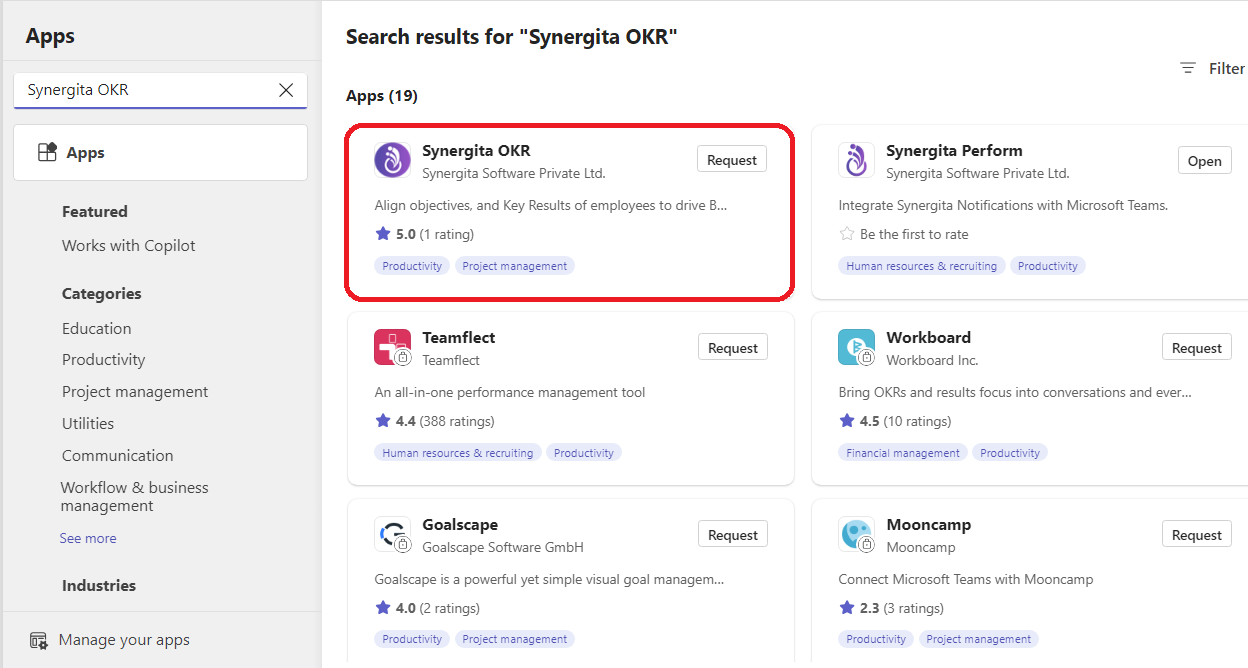
- Search for Synergita OKR.
- Select Synergita OKR from the list of apps.
- This opens the description of the application, along with the rating and app permissions.
- Click on the Install button. If your administrator has restricted app installation, click on the Request Approval button. Once the admin accepts, it will be installed.