
Tenant Settings is a collection of setting and are used to configure various features across the product. These settings are used to configure several features and label names across the product.
The steps to configure a new tenant setting are as follows.
To set a new tenant setting
1. Navigate to Admin > Admin
2. Under Production Support Utilities, click Tenant Settings
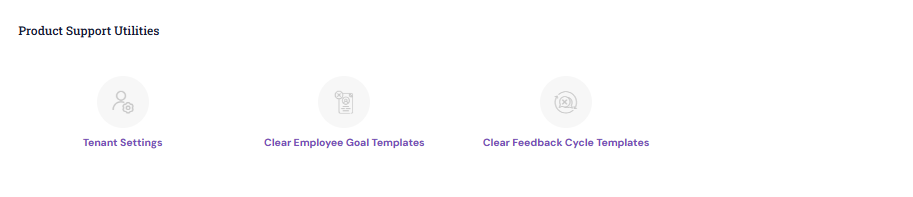
Search view lists all the settings and their corresponding values.
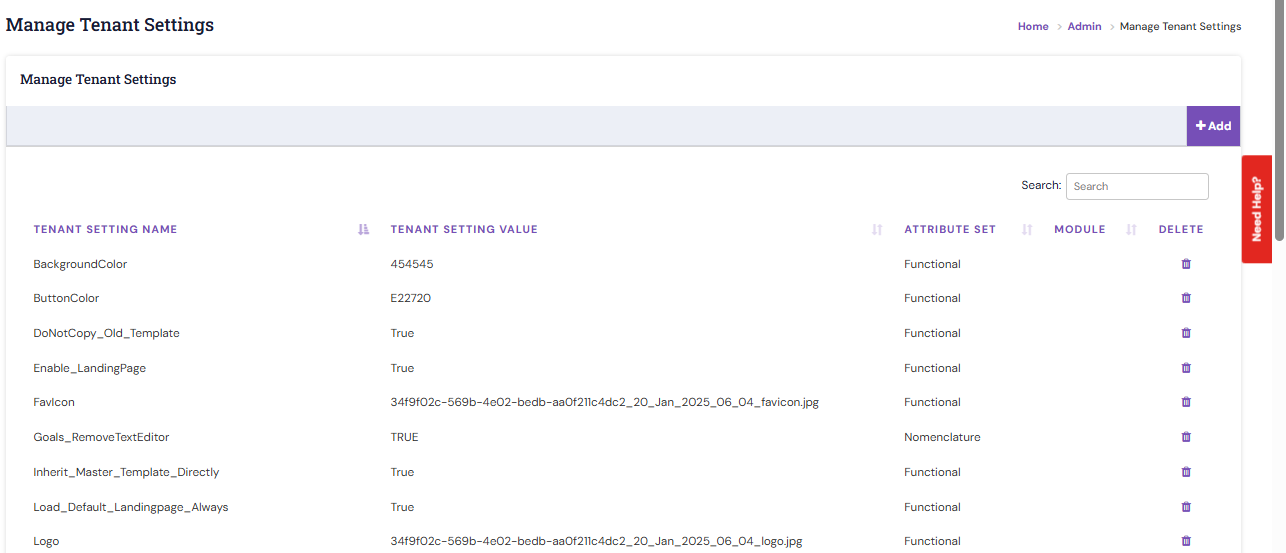
3. To add a new setting, click the Add button.
The system consists of 3 standard settings. They are segregated as Functional, Analytics and Nomenclature.
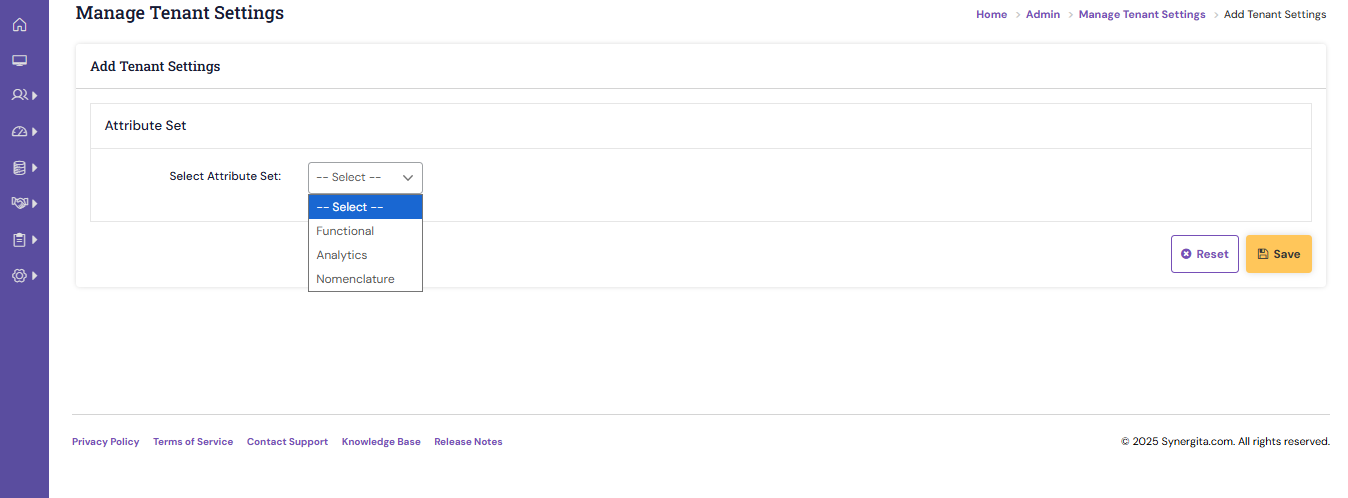
4. Select the required type.
- Functional - controls a particular behavior in the respective feature.
- Analytics - the functions of the analytics module can be defined here.
- Nomenclature - define the label names, page titles across the product.
5. On saving, the changes are reflected in the respective feature.
Note: Any changes to the PMS Configuration will be handled by the Synergita team. We request HR users not to make any changes directly, as this may impact configured processes.
|
PS: Synergita implementation for your Organization may vary from how the features are described here. The screenshots given here may also be different from what you see in your system. Please talk to the concerned person in the Organization for any specific queries.