
In Synergita, mapping a template based on location allows organizations to customize performance evaluations or feedback forms according to regional or branch-specific requirements.
By configuring location-based mapping, HR administrators can streamline the appraisal process, maintain consistency within each region, and ensure that feedback collection aligns with the organization’s overall performance framework
HR must ensure that the Location field is updated in the employee profile to enable accurate template mapping.
Steps to configure the template based on Location.
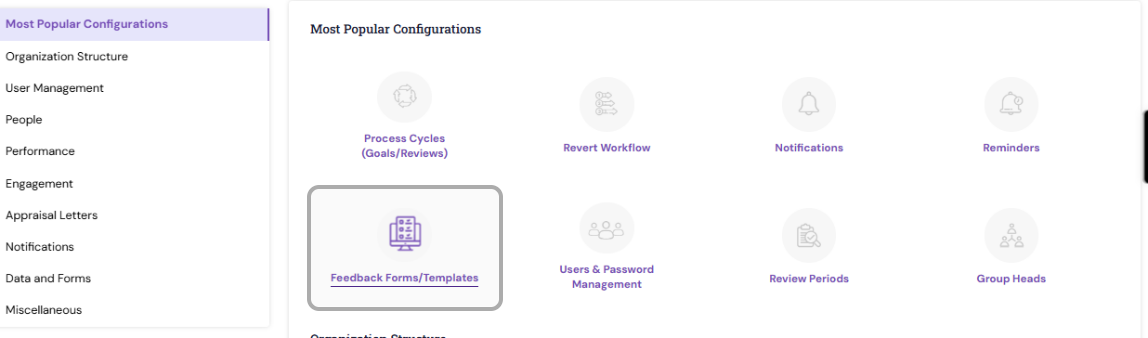
Navigate to Admin → Most popular configuration →Feedback Forms/Templates
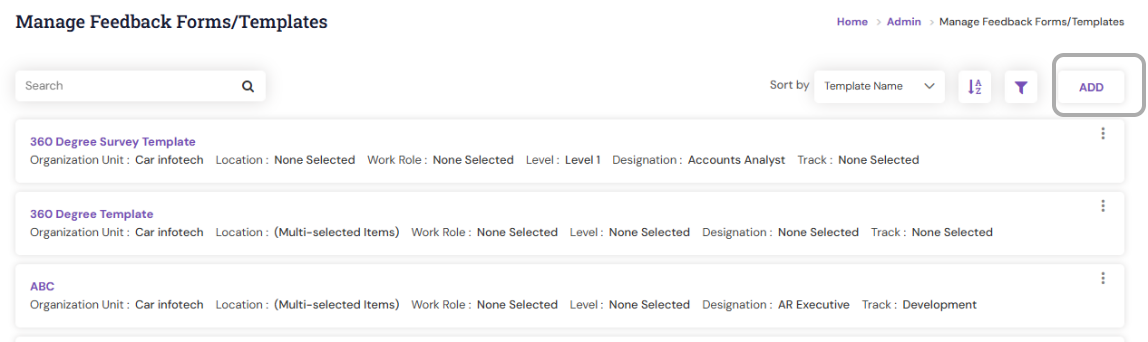
To create a New Template, click on the Add option in the right-hand side.
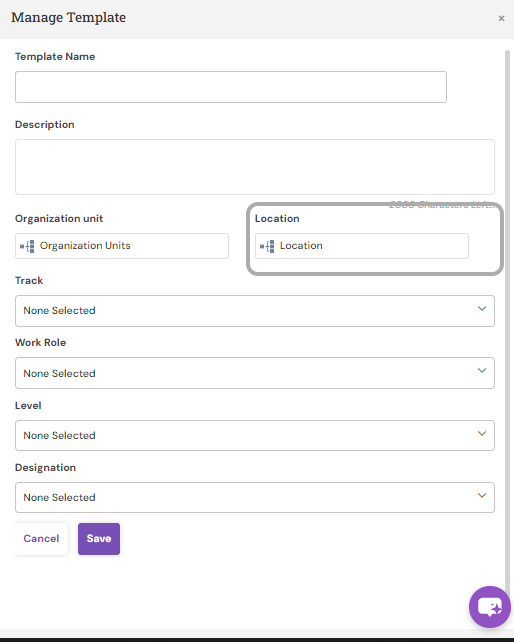
Enter the Template Name, Description and from the available options (like Department, Grade, Location, etc.), choose Location.
Select the specific Location for which the template should be applicable and click Apply.
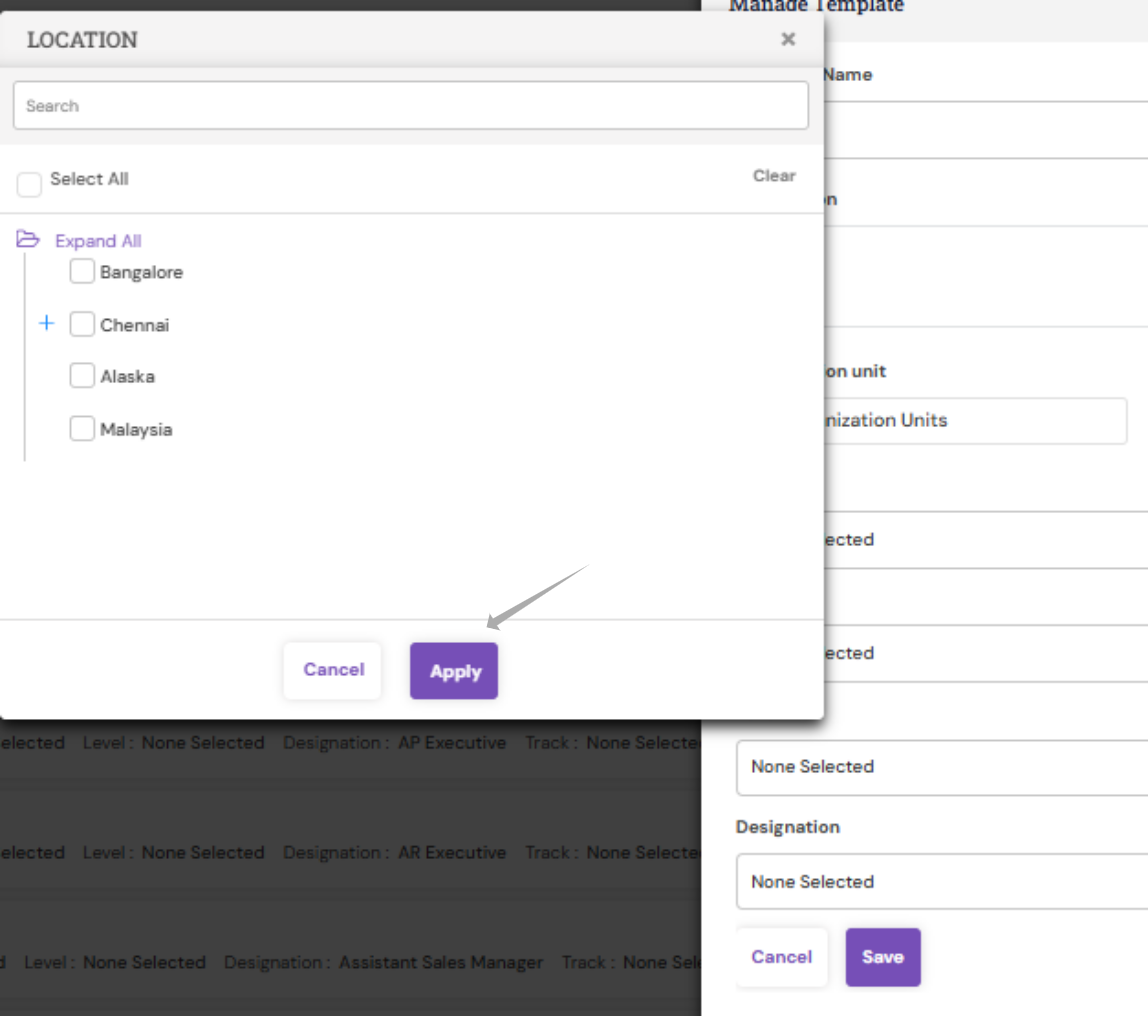
Click save to updated respective details.
A New template with location will be created in the system
Once the template is created, open the respective template and add all the attributes and respective review group & grade scale.
Click on save and publish the template.
PS: Synergita implementation for your Organization may vary from how the features are described here. The screenshots given here may also be different from what you see in your system. Please talk to the concerned person in the Organization for any specific queries.