
Once all review and approval steps in the performance cycle are completed, the final stage is to publish the feedback and recommendation. Publishing feedback allows employees to view the consolidated comments, ratings, and final recommendations submitted during the appraisal process.
This guide explains how to publish feedback and recommendations for employees in the system.
- The Action items widget displays all activities that are currently pending. Kindly navigate to My Dashboard.
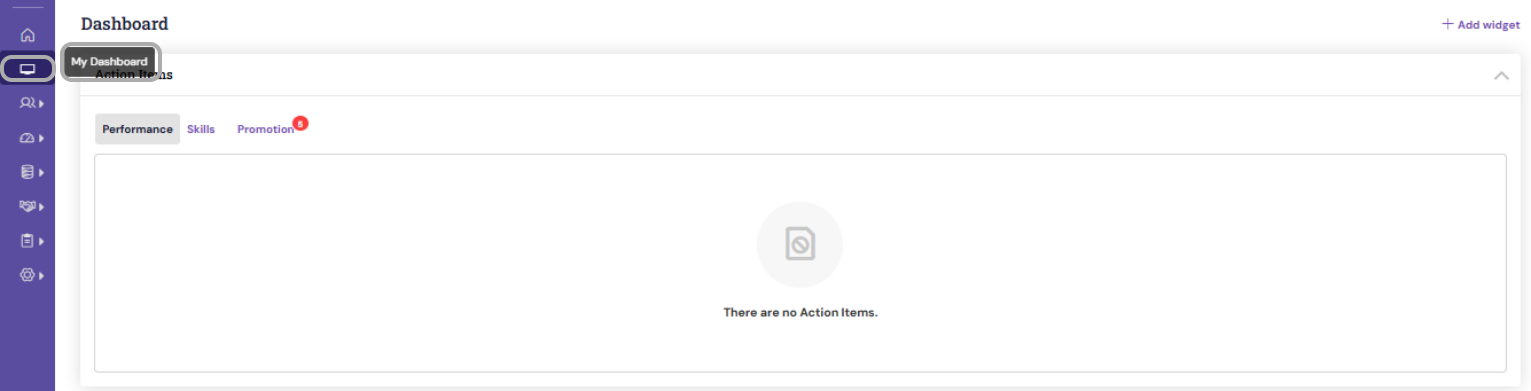
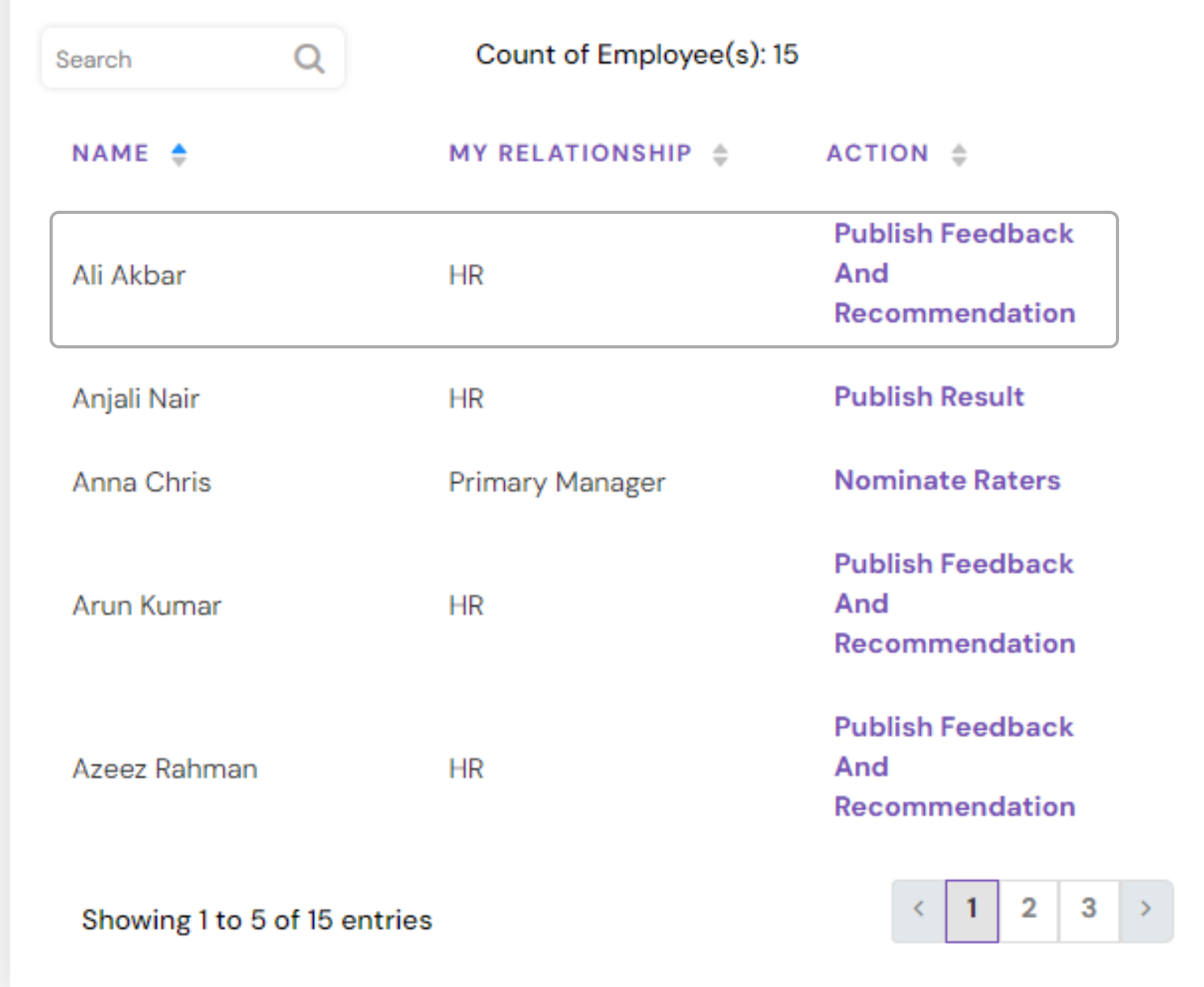
- Click Publish Feedback and Recommendation link. The system directs to the Publish page for the employee or the Team member.
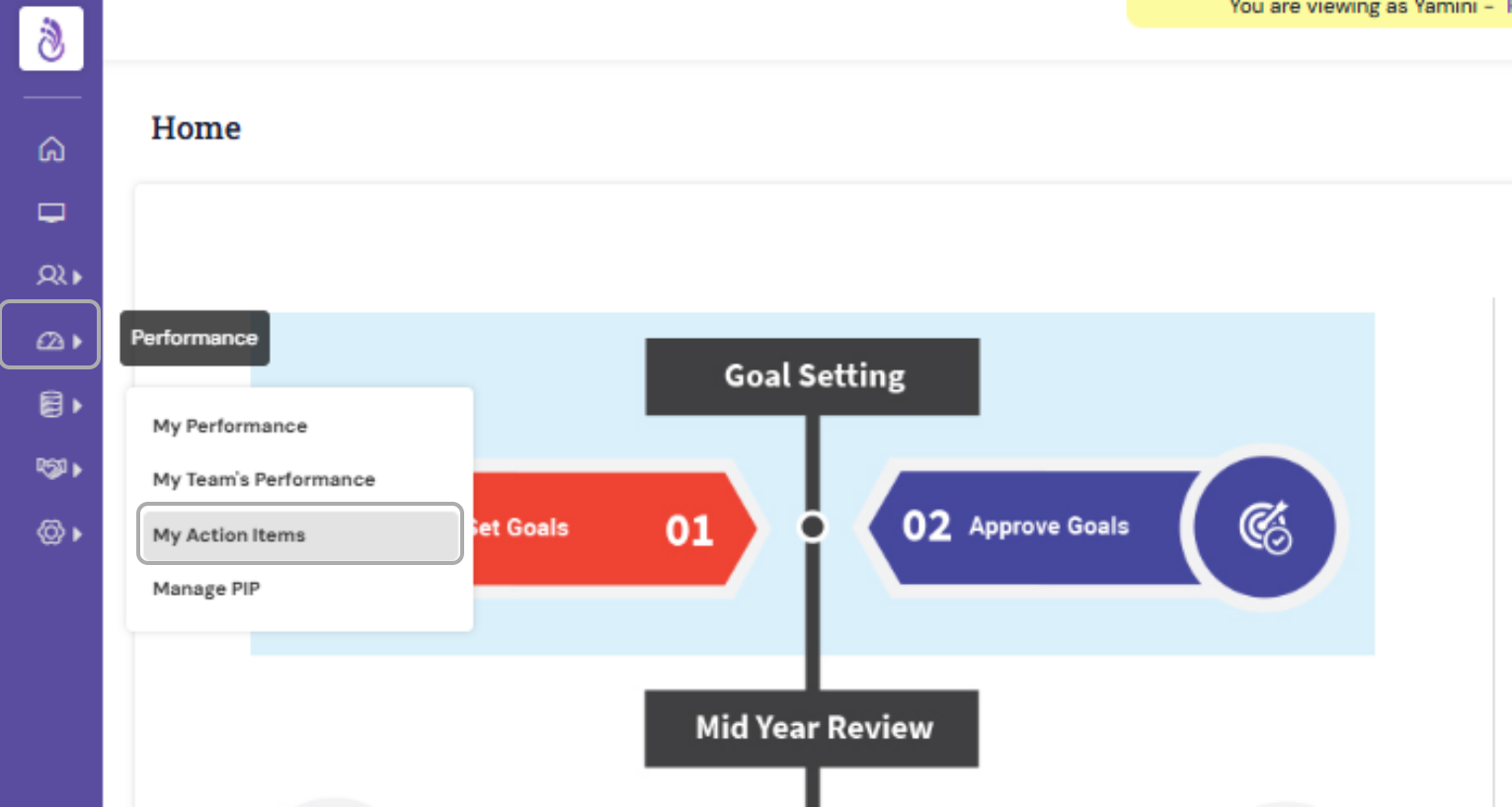
- Publish activity can also be accessed through "My Action Items' from the Performance module.
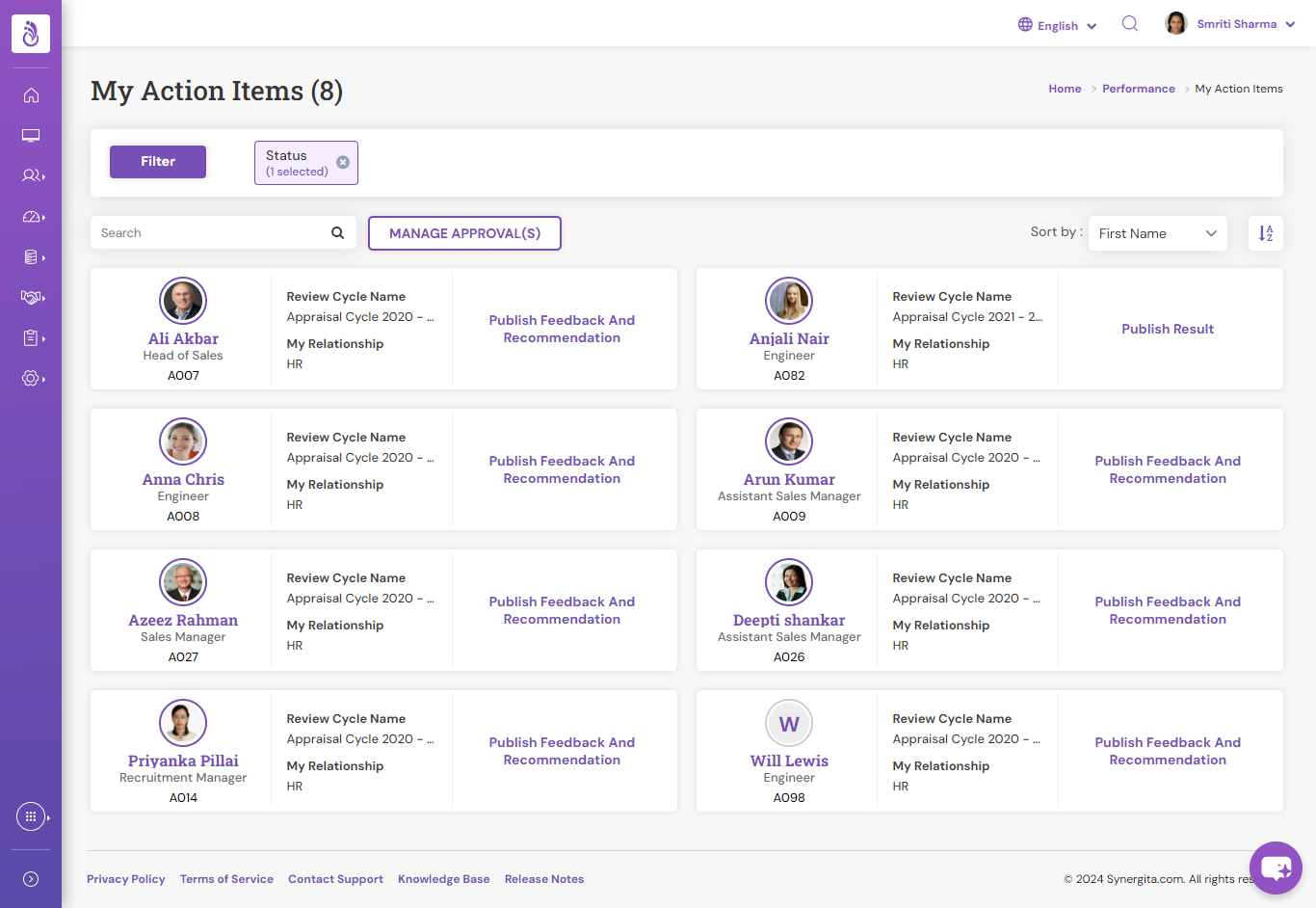
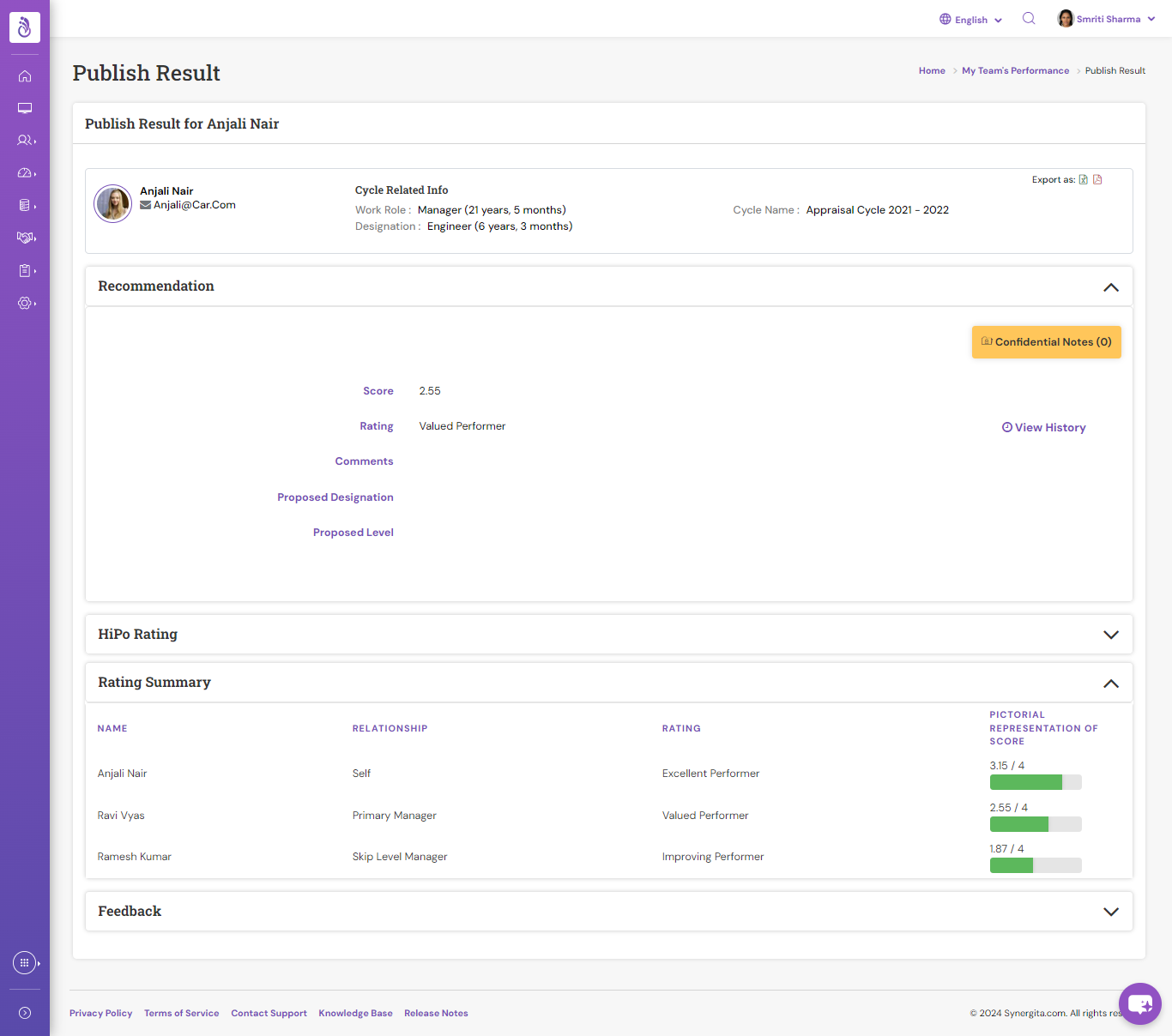
- Managers can review the feedback and recommendation that are already given.
- Use the Expand icon
 or the collapse icon
 to open and/or to close the respective sections.
- Alternately, you can also click Expand All/ Collapse All to open and/or to close the respective sections.
- Click Publish feedback and recommendation to publish the feedback.
PS: Synergita implementation for your Organization may vary from how the features are described here. The screenshots given here may also be different from what you see in your system. Please talk to the concerned person in the Organization for any specific queries.