
In the 360° review process, the feedback questions presented to reviewers are fully configurable. These questions must be set up before the 360° review cycle is initiated. The HR Team can also update or tailor the survey to match the organization’s competency model, behavioral expectations, or feedback structure.
To configure or update the 360° review questions, follow the steps below:
- Navigate to Admin > Admin > Feedback Form/Templates.
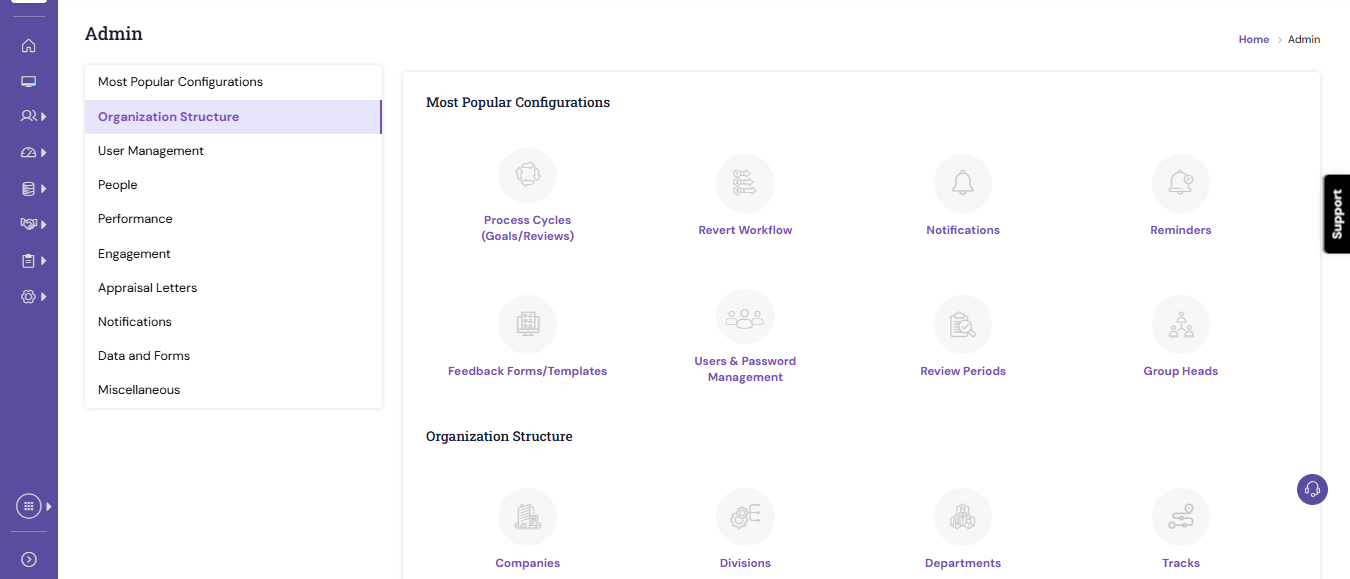
- Select the template that contains the 360° review questions based on the mapping logic configured for your organization.
- Click the Survey tab to view and edit the existing questions.
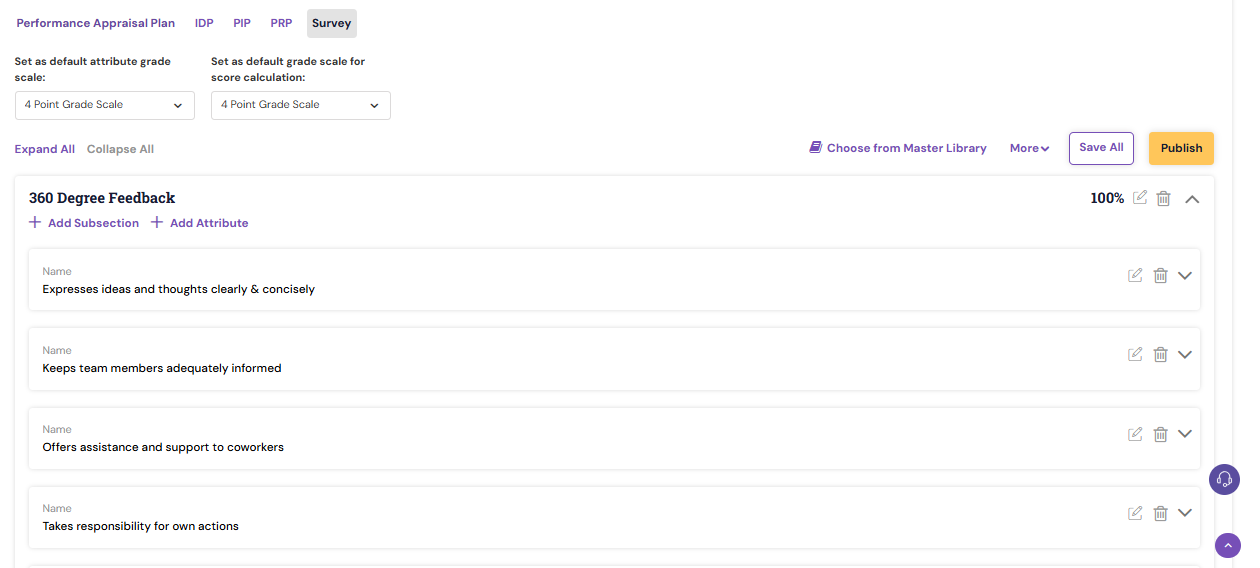
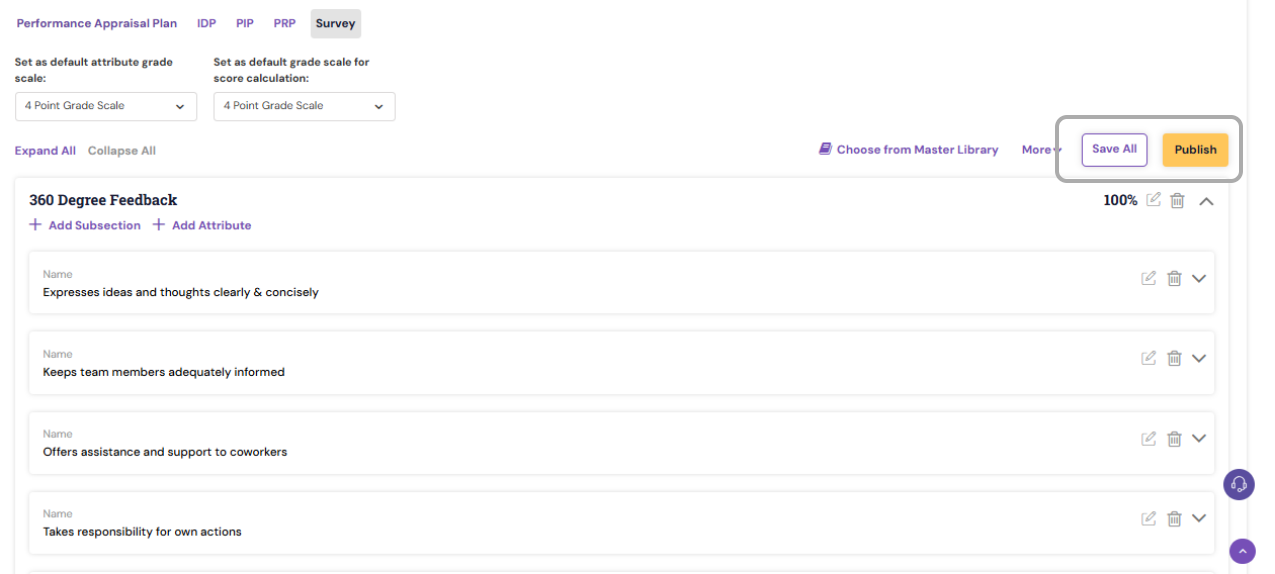
- Make the required changes, then Save All and Publish the template.
Note :
|
PS: Synergita implementation for your Organization may vary from how the features are described here. The screenshots given here may also be different from what you see in your system. Please talk to the concerned person in the Organization for any specific queries.