
To perform the one on one meeting activity, navigate to Performance → My Action Items or click Proceed to My Action Items from the Home page.
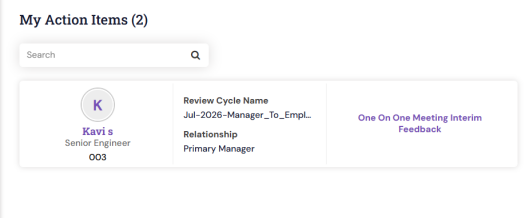
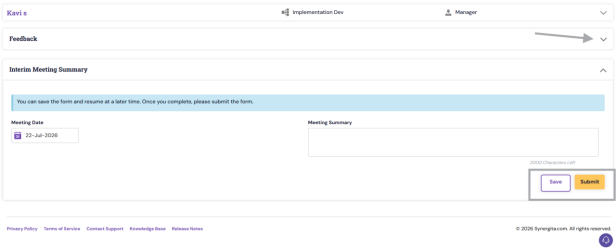
You may view the submitted feedback by clicking the drop down icon next to the feedback.
Enter the Meeting Date and Meeting Summary in the respective fields and you save and submit the details
Past Feedback:
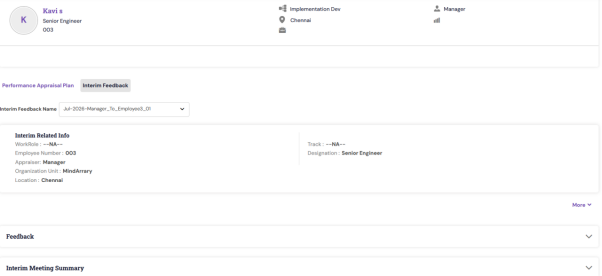
The published Interim Feedback meeting summary will be available under the Past Feedback page. Employees can view by navigating to:
Performance → My Performance → View Past Feedback
PS: Synergita implementation for your Organization may vary from how the features are described here. The screenshots given here may also be different from what you see in your system. Please talk to the concerned person in the Organization for any specific queries